

Products:The latest news:
|
Screenshots of 4t Tray MinimizerMinimize to Tray Minimize almost any application to the system tray with a single click. Window ControlsTitlebar buttons and system menu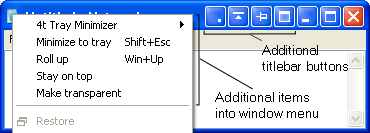 Access Minimize to Tray, Roll Up/Roll Down, Stay on Top, Make Transparent, and other actions directly from application windows. Taskbar menu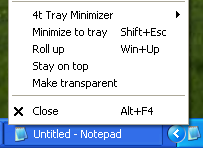 Access additional window actions directly from an application's taskbar menu. Roll Up/Roll Down Roll up any window to its title bar and restore it when needed. Make Transparent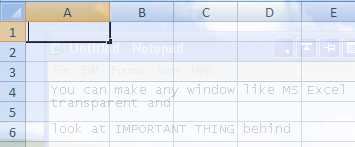 Make any window semi-transparent to see what's behind it. System Tray & MenusHide/Show the System Tray Quickly hide the system tray and restore it when needed. 4t Tray Minimizer menu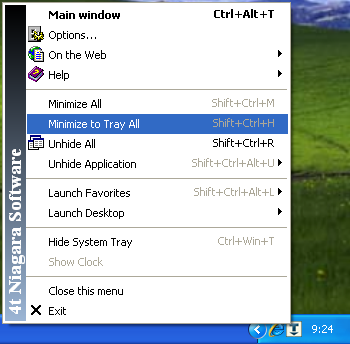 Quickly access window actions, Favorites, Desktop shortcuts, system tray controls, and other features. Tray icon menu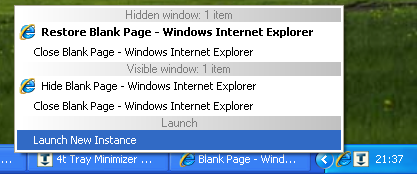 Quickly restore hidden applications and access available application actions directly from the system tray. |
Current version: 6.09Setup size: 1.86 Mb Released: 10 Aug, 2026 System requirements:
4t Tray Minimizer Free 6.09: Next beta: 6.09.5Setup size: 1.86 Mb Build date: 23 Sep, 2026 System requirements:
|
Copyright © 2001-2026. 4t Niagara Software. Designed by Holbi. All rights reserved. Privacy | Terms

